A static Docs site for every project
TL;DR: I have started using mkdox (which uses mkdocs, material and Docker) to create a static documentation site for every repository/project I’m working on. It’s easy, light and fast. It also invites me to document everything in Markdown, which is great for coding agents.

Recently I realized:
- Projects ♥️ documentation. A lot of my repositories or projects have a folder
/docor/docsor/examples, where I save non-source code files that are relevant to the project. Actually, even some of my bigger PowerPoint presentations have their own/docsfolder. - Documentation ♥️ structure. I already tend to organize those into subfolders like
/docs/archive,/docs/plugins,/docs/pdfor/docs/<topic>. - Documentation ♥️ Markdown. It’s an easy format to write and read. My IDE (PHPStorm) has very good support for it. It’s easy to copy/paste a text and then quickly add some Markdown formatting.
- Agents ♥️ Markdown. Coding agents (like Claude Code and Codex) love to get their extra context from Markdown files. So I was not only writing documentation in Markdown, but also converting some content like PDF and HTML files to Markdown.
- Documentation ♥️ a website: the ideal presentation for a folder structure of (Markdown) documents is a website with navigation, internal links and a search functionality.
- mkdox ♥️ creating sites: my preferred way of making a static website these days is Material for MkDocs, for which I’ve written a handy tool called mkdox. I can create a new mkdocs site as simple as
mkdox new website.com - mkdox ♥️ /docs: Mkdocs also puts its contents in a
/docsfolder. So in a lot of projects, I only needed to runmkdox new .to get a working website with the existing documentation in there.
So this is what I do now with each new or old repository/project that I work on:
- mov all the docs to a
/docsfolder. - run
mkdox new .in the root folder- mkdox recognizes that there already is a
README.mdand moves it to/docs/index.md(the homepage of the doc website) and creates a symbolic link to make/README.mdand/docs/index.mdpoint to the same file.
- mkdox recognizes that there already is a
- run
mkdox serveand have the docs website popping up within seconds. - subfolders
/docs/[topic]/show up in the navigation. - search the website
- the
/docsfolder is also added to GitHub, so I can even see the contents within GitHub. - point Claude Code to use
@docs/examples/[clever_thing].mdwhen you want to add it to your context.
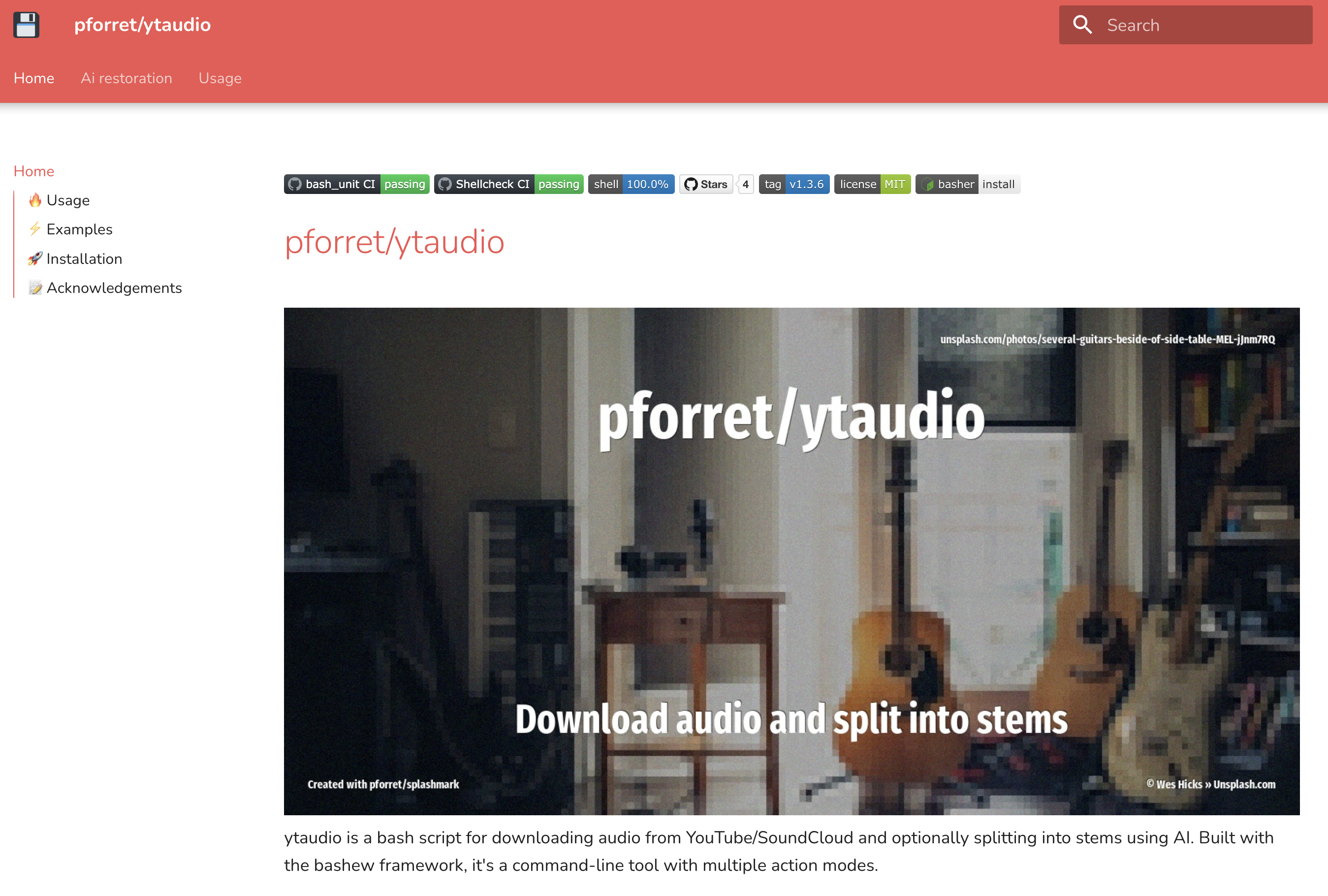
This is what that looks like for pforret/ytaudio